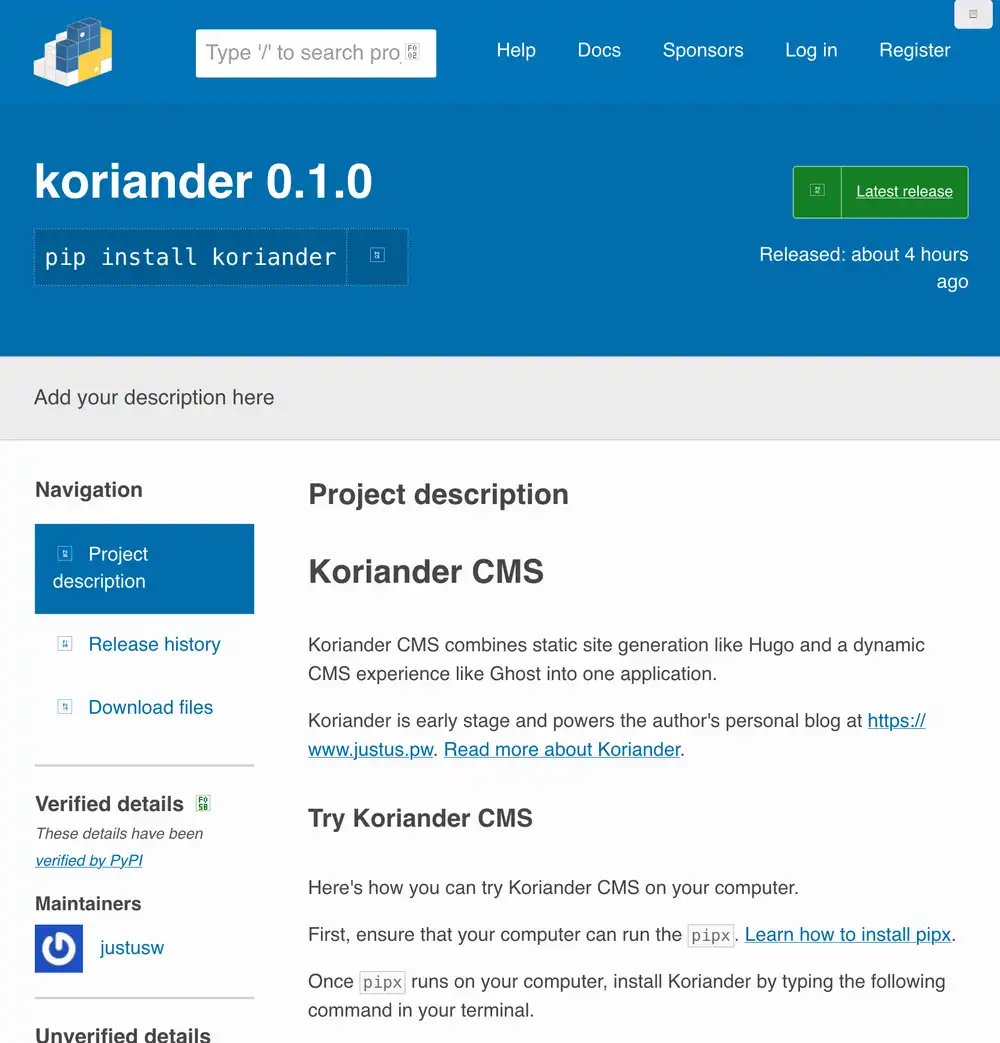
Try installing Koriander CMS from PyPI. All you need to run is the following, provided that you've installed pipx:
pipx install koriander
You can use Koriander CMS in your terminal with the koriander command. For example, to access Koriander CMS in your browser and create or edit new pages, use the following command:
koriander serve
You don't have to worry about which directory you start Koriander CMS from as it stores your site in a central location in your home directory. The Koriander CMS places its files into two locations on your computer:
- It places its static files such as JavaScript and CSS files for its editor in
~/.local/share/koriander. 1 - Your pages, page resources, and other assets live in
~/.local/state/korianderin a database file calleddb.sqlite3.2
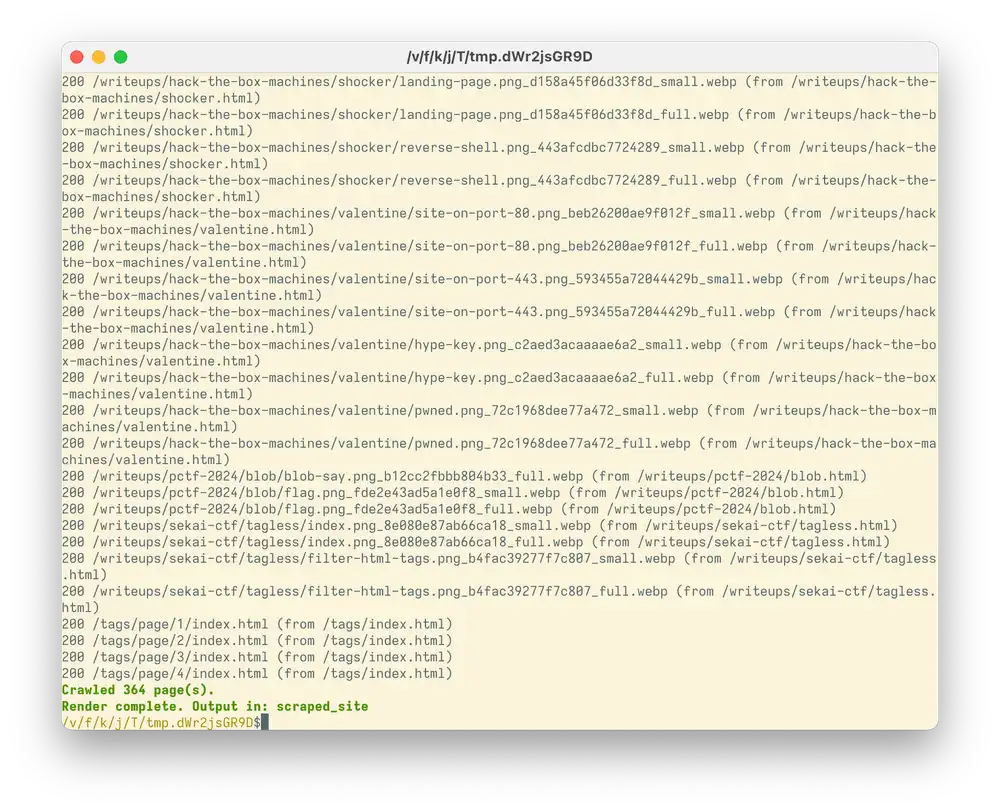
When you're ready to publish your Koriander CMS site, run the following command:
koriander render
This creates a directory called scraped_site with all your page files, including HTML pages, page resources, and any static files that you've added. You can upload this directory to a web server.
Koriander CMS builds your site similar to static site generators like Hugo or Jekyll. The difference to static site generators is that Koriander CMS comes with its own editor based on EasyMDE and CodeMirror.
Publishing on PyPI
I've uploaded Koriander to PyPI using the uv publish command. I'm pleased how easy it is to publish packages. You don't need to reserve the name ahead of time on the PyPI web interface.